It has been observed there are few users who are not aware, what to do, if somehow we need to re-setup Managed Google play connector within Endpoint management, and we launch Google to connect now, in Android Enrollment, either it throws an error or it gets stuck on “Authorization Token” URL, like below:
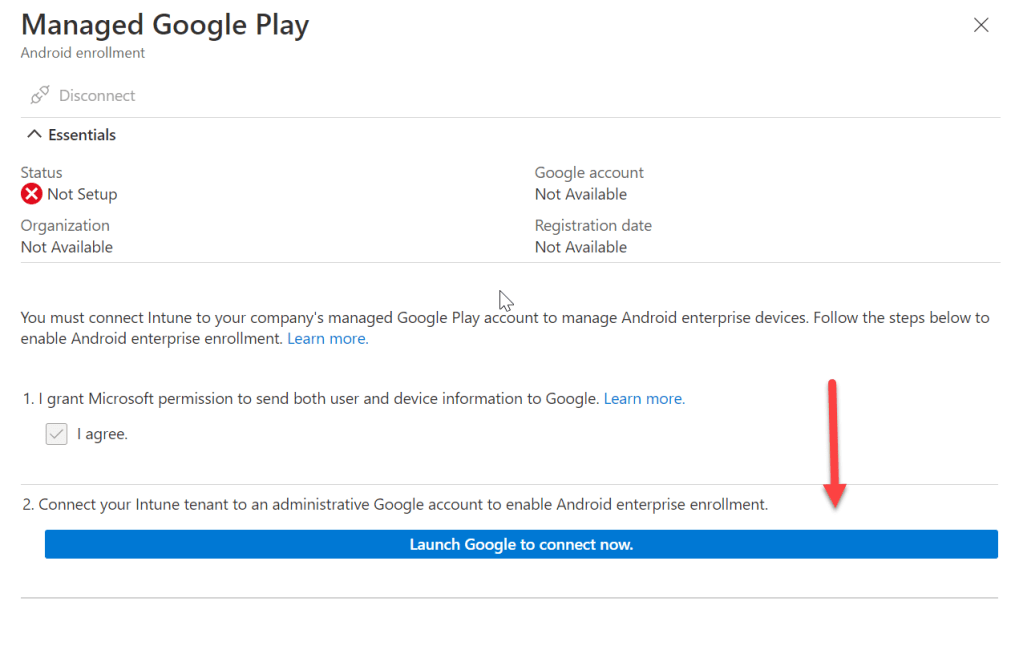
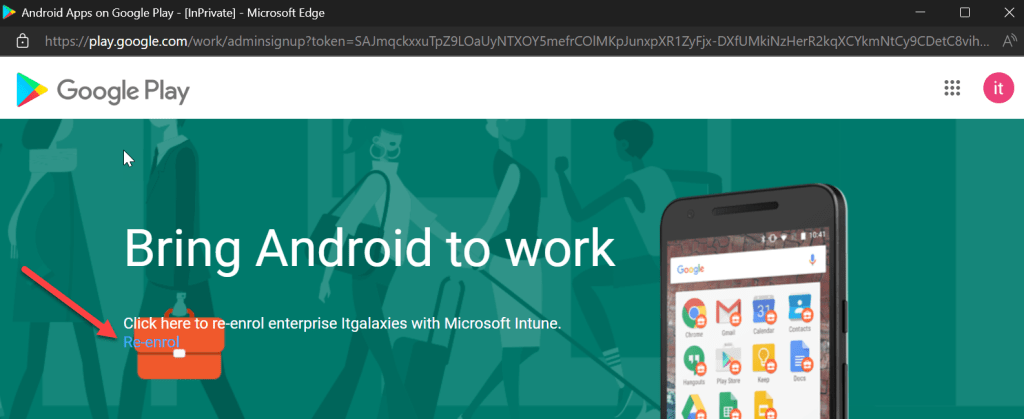
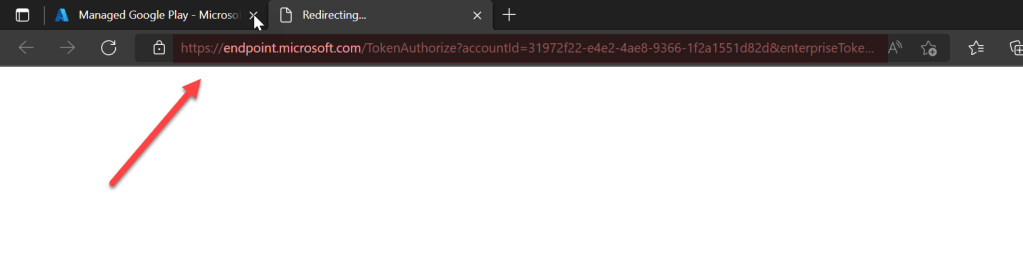
It just re-directs it here and nothing happens, WHY, because this has already been done once with the same Google account, that’s how it shows: Re-enroll or Re-setup, it won’t get connected until we take necessary actions to resolve this.
As, from last connection, it has already bound with the tenant we have to delete or remove the Organization from Google account if we want to re-use the same organization in order to re-enroll or re-setup the Managed Google play connector.
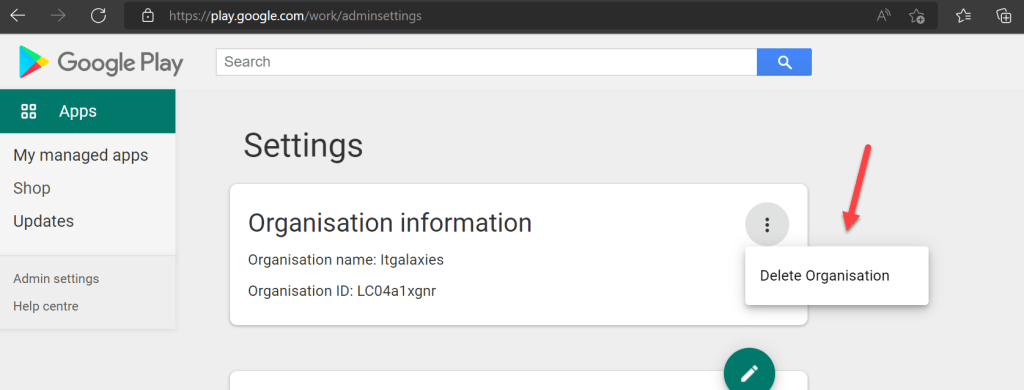
To accomplish this, please launch the URL: https://play.google.com/work/adminsettings and from here we can remove already enrolled Organization:
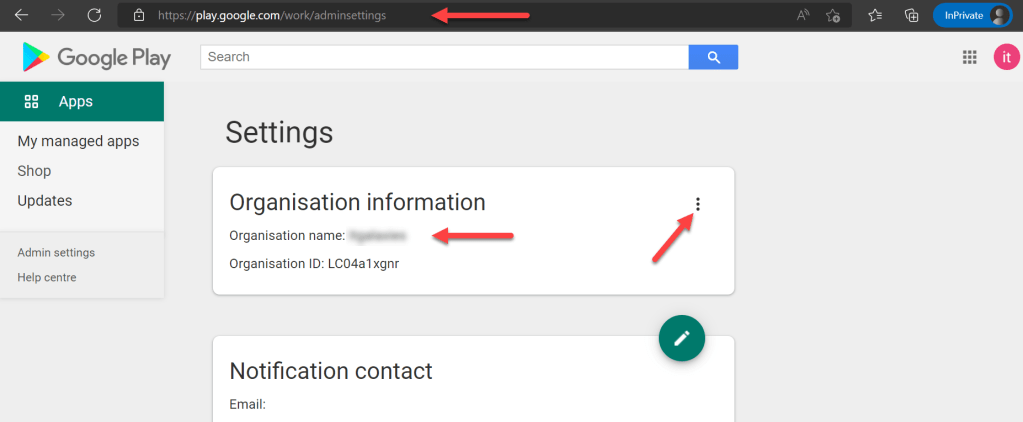
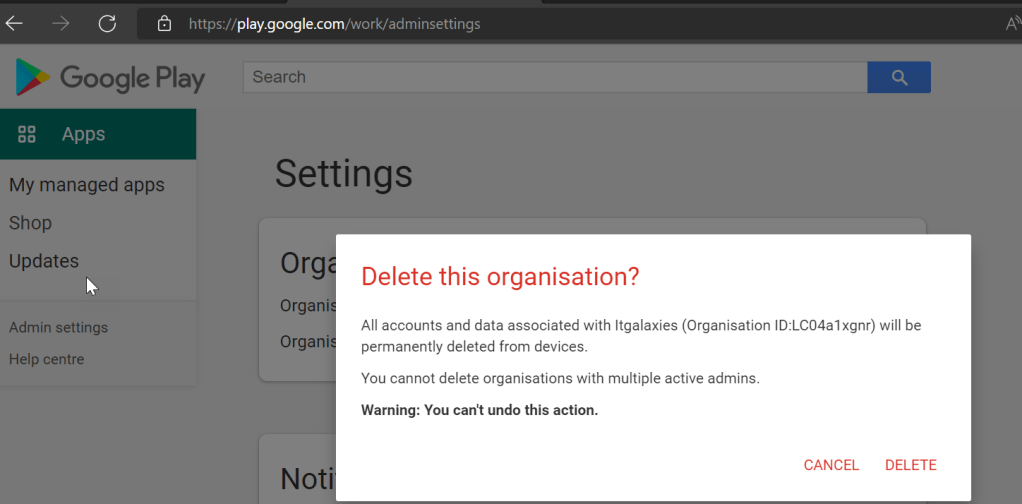
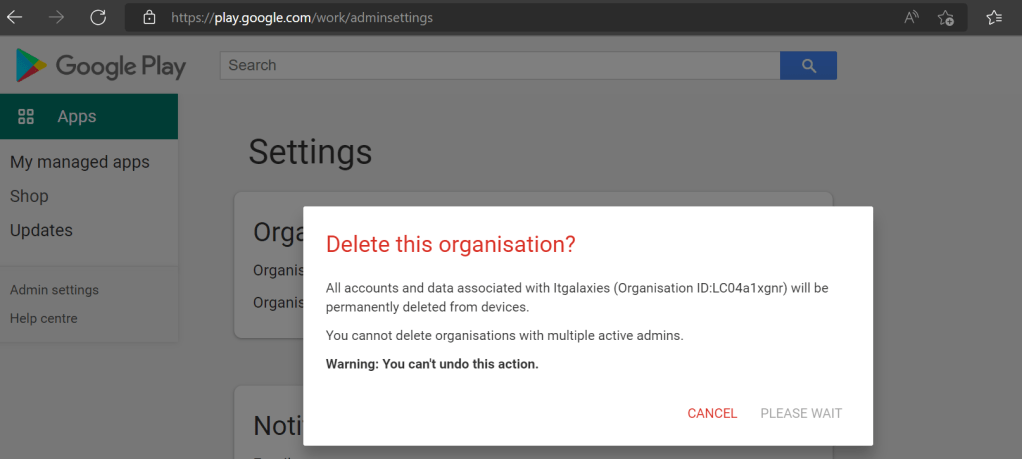
From, three dots in front of Organization information, we can remove the organization, and hence it will now allow to re-connect Intune tenant with already signed-up Google Account:
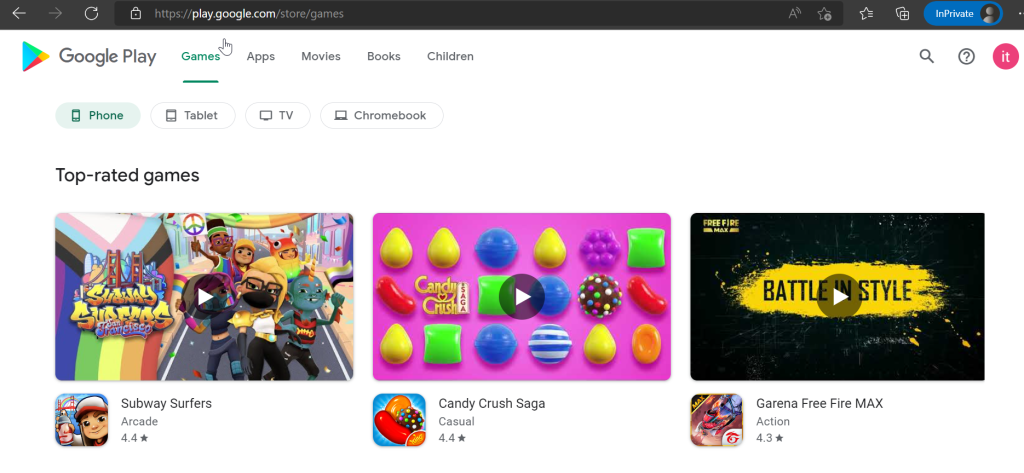
Once it is removed, this Google account become default, and now if the connector being setup, it will take as a fresh and it won’t get stuck on “Token Authorization” URL.
Hope it helps 🙂
 ITGalaxies